Plugin version 2.3 GPL licensed
WooCommerce Two Factor Authentication
WooCommerce Two Factor Authentication plugin seamlessly integrates into your WooCommerce login page implementing a two-factor authentication process!
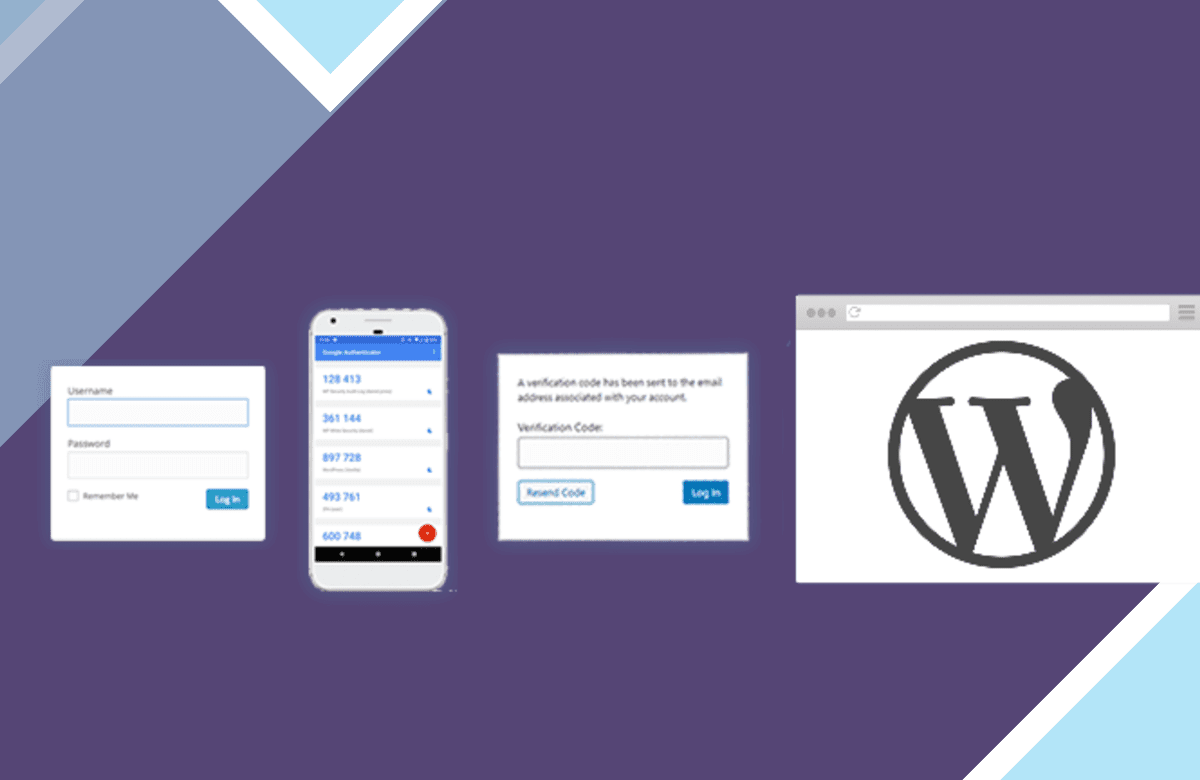
WooCommerce Two Factor Authentication plugin seamlessly integrates into your WooCommerce login page implementing a two-factor authentication process!
Supports standard TOTP + HOTP protocols (and so supports Google Authenticator, Authy, and many others).
Displays graphical QR codes for easy scanning into apps on your phone/tablet
TFA can be made available on a per-role basis (e.g. available for admins, but not for subscribers)
TFA can be turned on or off by each user
TFA can be required for specified user levels, after a defined time period (e.g. require all admins to have TFA, once their accounts are a week old) (Premium version), including forcing them to immediately set up (by redirecting them to the page to do so)
Supports front-end editing of settings, via [twofactor_user_settings] shortcode (i.e. users don’t need access to the WP dashboard). (The Premium version allows custom designing of any layout you wish).
Site owners can allow “trusted devices” on which TFA codes are only asked for a chosen number of days (instead of every login); e.g. 30 days (Premium version)
Works together with “Theme My Login” (both forms and widgets)
Includes support for the WooCommerce and Affiliates-WP login forms
Includes support for Elementor Pro login forms (Premium version)
Includes support for bbPress login forms (Premium version)
Includes support for any and every third-party login form (Premium version) without any further coding needed via appending your TFA code to the end of your password
Does not mention or request second factor until the user has been identified as one with TFA enabled (i.e. nothing is shown to users who do not have it enabled)
WP Multisite compatible (plugin should be network activated)
Simplified user interface and code base for ease of use and performance
Added a number of extra security checks to the original forked code
Emergency codes for when you lose your phone/tablet (Premium version)
When using the front-end shortcode (Premium version), require the user to enter the current TFA code correctly to be able to activate TFA
Works together with “WP Members” (shortcode form)
Administrators can access other users’ codes, and turn them on/off when needed (Premium version)
What are nulled items, and why WooCommerce Two Factor Authentication here is the right choice?
All “nulled” means is that the item is preactivated and ready to be used the moment you install it. License notices, if any appear, can simply be ignored — they change nothing about how WooCommerce Two Factor Authentication runs. License keys are only ever required for support from the original author, which is of course not included here.
Every item advertised on our site is 100% safe. Each file is tested and verified by three separate anti-virus and anti-malware programs before it is ever listed, and re-checked on every new version we publish.
- Preactivated on install — nothing to enter, nothing to configure
- Original developer files, unmodified and complete
- Scanned by three anti-virus and anti-malware tools
- Distributed under the GPL, the licence WordPress itself uses
Get WooCommerce Two Factor Authentication now
Version 2.3, preactivated and ready to install.
More plugins
Browse all → Plugin
Woo Import Export Plugin
Plugin
Woo Import Export Plugin
 Plugin
SeedProd Coming Soon Pro
Plugin
SeedProd Coming Soon Pro
 Plugin
WooCommerce Flat Rate Box Shipping
Plugin
WooCommerce Flat Rate Box Shipping
 Plugin
WPForms ConvertKit
Plugin
WPForms ConvertKit
 Plugin
Meta Box – Custom Fields Plugin For Clever Custom Results
Plugin
Meta Box – Custom Fields Plugin For Clever Custom Results
 Plugin
Popup Maker – WordPress Popup Plugin
Plugin
Popup Maker – WordPress Popup Plugin
 Plugin
Custom Price for WooCommerce PRO
Plugin
Custom Price for WooCommerce PRO
 Plugin
Paid Memberships Pro – Social Login Add On
Plugin
Paid Memberships Pro – Social Login Add On