Plugin version 2.31.0 GPL licensed

PublishPress Capabilities Pro

PublishPress features are trusted to handle permissions for more than 90,000 WordPress websites The best plugin to control permissions for your WordPress posts, pages, media and custom post…
v2.31.0
PublishPress features are trusted to handle permissions for more than 90,000 WordPress websites
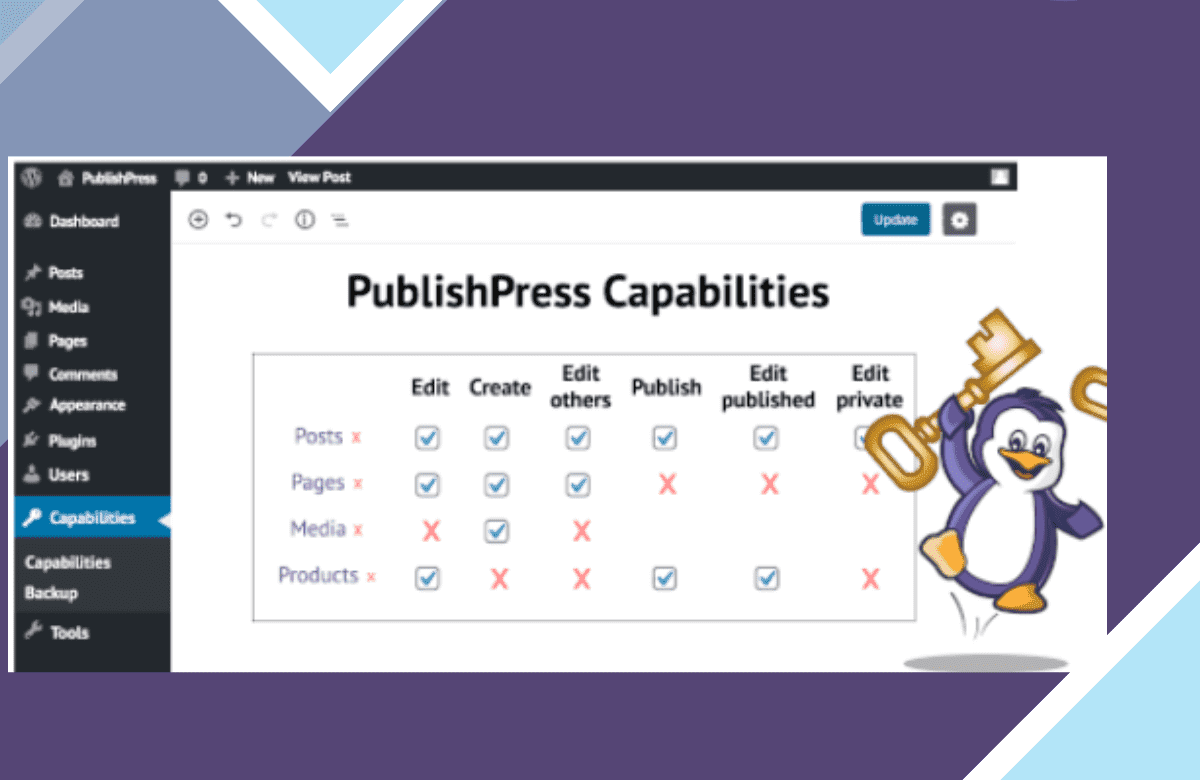
The best plugin to control permissions for your WordPress posts, pages, media and custom post types is PublishPress CapabilitiesPublishPress Capabilities.
Capabilities allow user roles to be managed. You can create roles and copy them. Specific permissions can be selected for each role.
Capabilities also enable you to backup, restore and migrate permissions from your website.
Add all your authors in WordPress
The main features of Capabilities for PublishPress
Add all of your writers to WordPress
User Permissions Control
Detailed control over all permissions on your WordPress site is provided by PublishPress Capabilities. From Administrator to Subscriber, you can customize all the user roles on your site.
Create and copy roles for users
With PublishPress capabilities, any existing WordPress user role can be created or copied. It is possible to add these roles to single sites or to an entire multi-site network.
Permissions for Content
You can choose who can publish, read, edit and delete content with the Capabilities feature. For posts, pages, custom content types, categories, tags, and more you can choose permissions.
Support of WordPress Multisite
Permissions on a single site or across your entire network can be controlled by capabilities. You can choose to sync those changes across your multi-site network each time you update permissions in PublishPress Capabilities.
Tailored Statuses
You can create a custom status if you have the PublishPress or PublishPress Permissions plugins. You can decide which user roles are capable of sending posts to each status with Capabilities Pro.
Any Taxonomy capabilities
“The plugin PublishPress Capabilities allows you to add additional permissions to taxonomies on your site. For all your taxonomies, you can give “Manage”, “Edit” and “Assign” permissions.
Backups for Permission
The PublishPress Capabilities plugin will automatically create a backup every time you change the permissions. Go to the “Backup” menu connection if you make a mistake, and you will be able to undo your changes.
Permissions to Media Libraries
You can determine who can upload, edit and remove files from the Media Library of your platform by using PublishPress Capabilities. You can customize the Media Library permissions and the Featured Image box as well.
Authorizations for WooCommerce
You can monitor permissions for WooCommerce goods, orders and coupons using PublishPress Capabilities. WooCommerce taxonomies, such as product types, product tags, and shipping grades for goods, may also be handled.
PublishPress Capabilities Pro screenshot
PublishPress Capabilities Pro — screenshot

What are nulled items, and why PublishPress Capabilities Pro here is the right choice?

All “nulled” means is that the item is preactivated and ready to be used the moment you install it. License notices, if any appear, can simply be ignored — they change nothing about how PublishPress Capabilities Pro runs. License keys are only ever required for support from the original author, which is of course not included here.

Every item advertised on our site is 100% safe. Each file is tested and verified by three separate anti-virus and anti-malware programs before it is ever listed, and re-checked on every new version we publish.

  • Preactivated on install — nothing to enter, nothing to configure
  • Original developer files, unmodified and complete
  • Scanned by three anti-virus and anti-malware tools
  • Distributed under the GPL, the licence WordPress itself uses

Get PublishPress Capabilities Pro now

Version 2.31.0, preactivated and ready to install.

Download now

More plugins

Browse all →
PublishPress Capabilities Pro
v2.31.0 · preactivated
Download